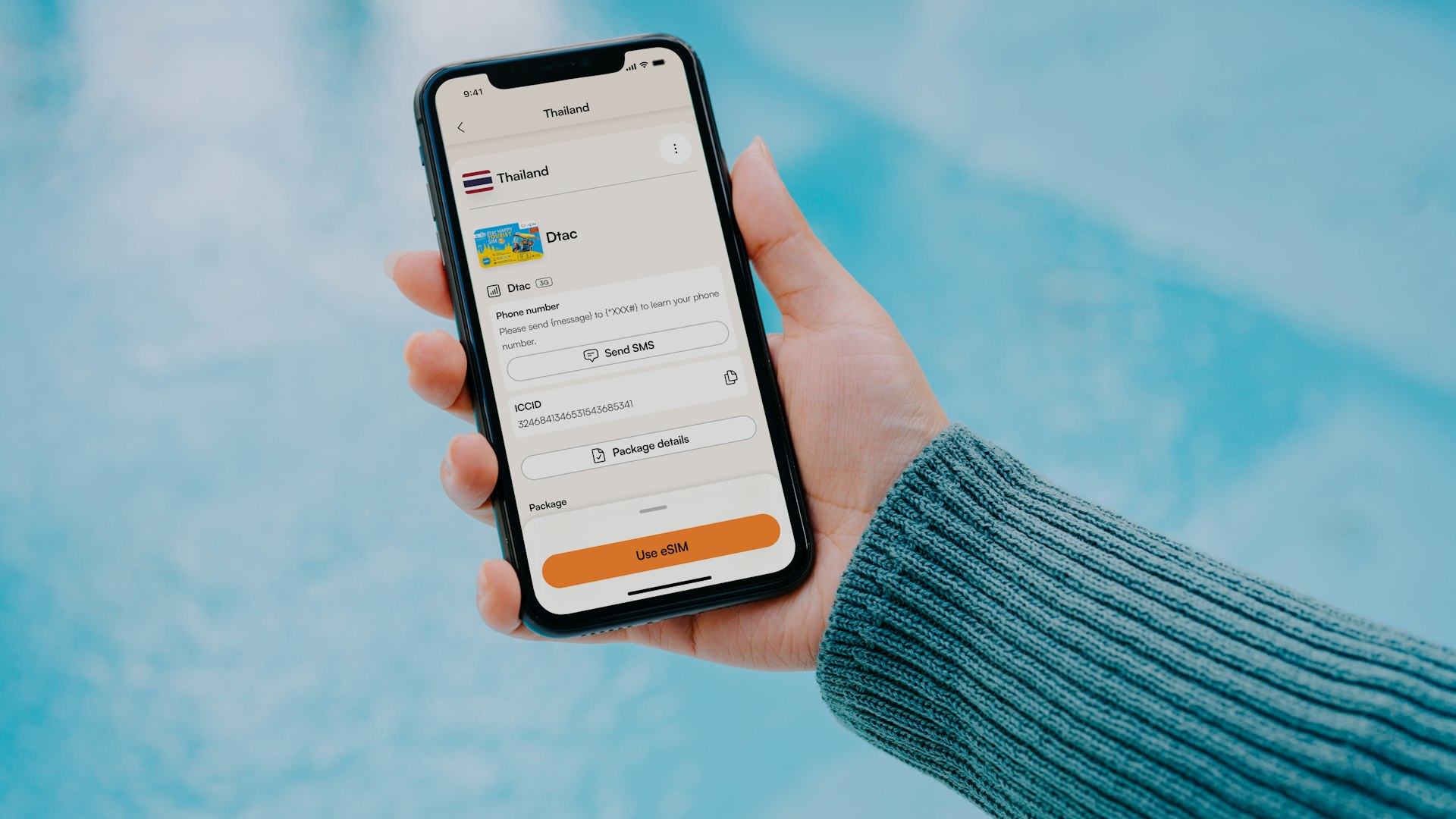
Step 1: Check eSIM Compatibility
Your phone must support eSIM. Most phones from 2019 onward do:
iPhone: XS, XR, and all newer models Samsung: S20 and newer, Z Fold/Flip series Google Pixel: 3a and newer
To check: Go to Settings → Cellular/Mobile → look for "Add eSIM" or "Add Cellular Plan." If the option exists, your phone supports eSIM.
Important: Your phone must be unlocked (not carrier-locked).
Step 2: Choose a Provider
| Provider | Coverage | Turkey Plans | Install Method |
|---|---|---|---|
| Airalo | Turkcell/Vodafone | 1–20GB, $5–$18 | App or QR code |
| Holafly | Local carriers | Unlimited data, $6–$8/day | App or QR code |
| Nomad | Local carriers | 1–20GB, $5–$15 | App or QR code |
Step 3: Purchase & Install
Via App (Easiest)
- Download the provider's app (Airalo, Holafly, etc.)
- Create an account
- Select "Turkey" and choose your data plan
- Purchase — you'll receive an eSIM profile
- Follow the in-app installation prompts
- The eSIM will appear in your phone's cellular settings
Via QR Code
- Purchase the eSIM on the provider's website
- You'll receive a QR code via email
- Go to Settings → Cellular → Add eSIM → Scan QR Code
- Scan the QR code
- Follow the on-screen prompts to complete setup
Step 4: Configure Settings
After installation:
- Label your eSIM — Name it "Turkey" or "Travel" so you know which line is which
- Set your default line — Keep your home number as primary for calls/texts
- Set the eSIM as your data line — So all mobile data uses the Turkey eSIM
- Enable Data Roaming on the eSIM line (required for some providers)
- Turn off data roaming on your home line — Avoid surprise charges
Step 5: Activate in Turkey
When you land:
- Turn off airplane mode
- The eSIM should connect automatically to a Turkish network
- Verify connectivity by opening a web page
- If it doesn't connect, toggle the eSIM off and on in cellular settings
Troubleshooting
| Problem | Solution |
|---|---|
| eSIM won't install | Check phone is unlocked and supports eSIM. Restart and try again. |
| No internet after landing | Enable "Data Roaming" on the eSIM line. Toggle cellular data off/on. |
| Slow speeds | Check remaining data balance. Some plans throttle after limits. |
| Can't make calls | Most travel eSIMs are data-only. Use WhatsApp/FaceTime for calls. |